
Rate limiting
Rate limits protect your usage (your spend, your quota) regardless of which interface a connected site happens to use, or why it's calling. They back the "connect once, then silent" approval model: without a popup on every request, a limit is what stops a bug (or a determined site) from running up unexpected costs on your account.
Two tiers
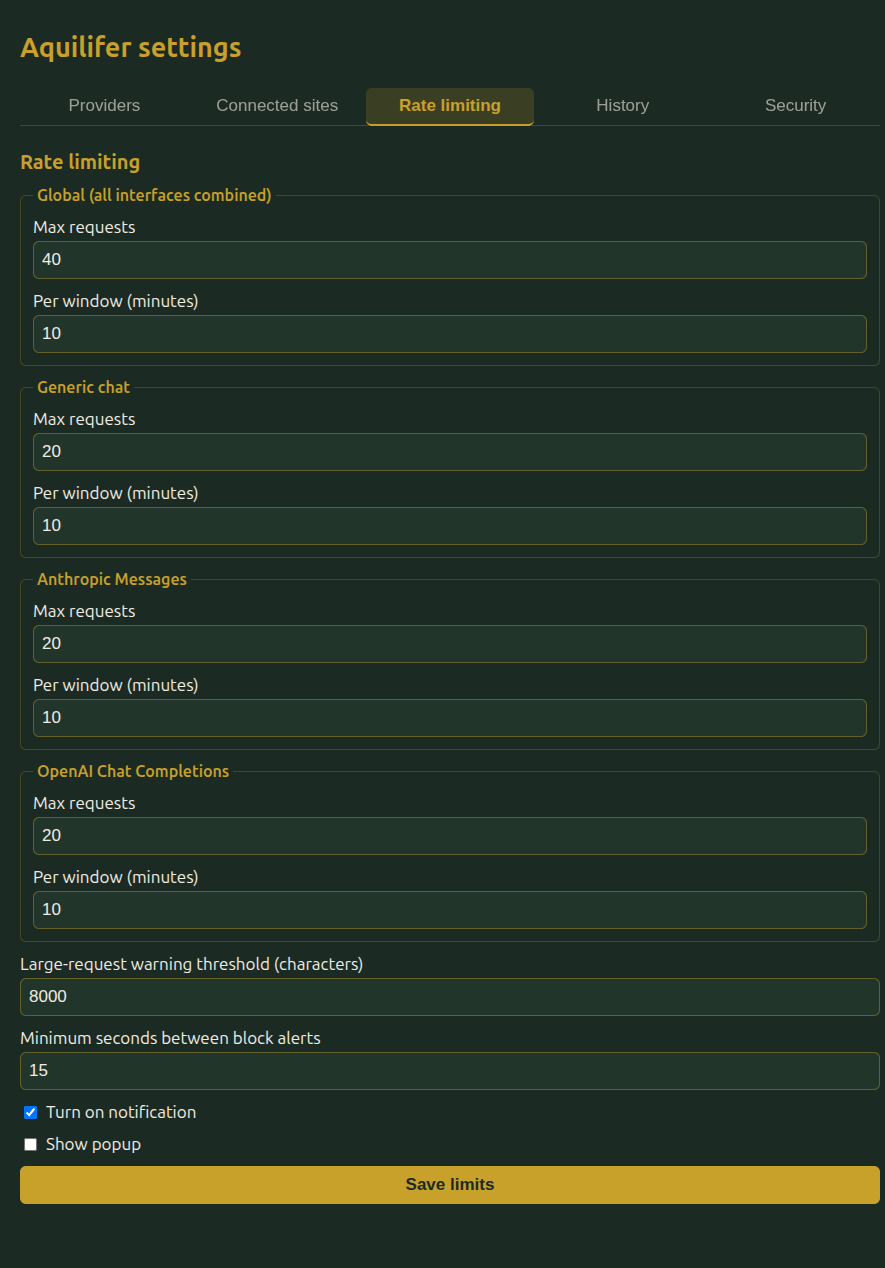
- Global limit: a cap on total requests from a site across every way it can talk to Aquilifer, combined. This exists specifically so a site can't work around a per-interface limit by spreading requests across different call types.
- Per-interface limit: a tighter cap on any single interface (the generic chat interface, or a specific provider's native interface) on top of the global one.
A request is blocked if it exceeds either limit. Both are configurable (window length and request count) from the Rate limiting tab in settings, with sensible defaults out of the box.
The toolbar popup shows the current site's real standing against these limits at a glance: whichever tier (global or per-interface) is closest to blocking, not just the configured threshold, so you can see it's getting close before it actually happens.
What happens when a request is blocked
- It fails immediately, without reaching the provider (no cost incurred).
- It's logged to History like any other request, marked as blocked.
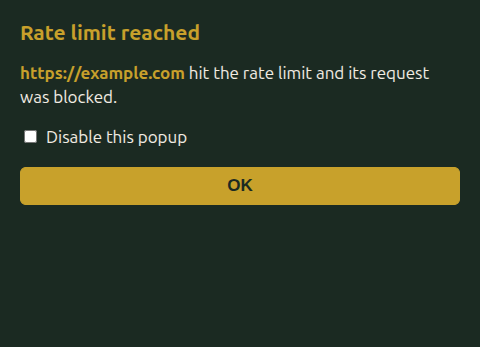
- You can optionally turn on a browser notification and/or a popup when a block happens, so you notice if something's calling more than expected. Repeated blocks from the same site share a cooldown (15 seconds by default, configurable above) rather than alerting on every single retry.
A note for large requests
Separately from frequency, Aquilifer also flags (but doesn't block) unusually large requests: a non-blocking warning shown in your history, in case a site is sending far more text than you'd expect.
A note if you're integrating Aquilifer as a fallback
If your own site calls Aquilifer only when your primary integration is unavailable, treat a rate-limit failure as a hard stop, not something to retry aggressively: the limit is the user's own usage cap, not a transient error on your end. See the page-facing API for the specific error code to check for.