
Providers
A provider is a connection between Aquilifer and one LLM backend, using your own credential. You add providers from the extension's settings page (click the Aquilifer icon → Options, or right-click the icon → Options), before any website can use them.
Two kinds of provider
Anthropic: Claude, using your own Anthropic API key.
OpenAI-compatible: anything that speaks OpenAI's chat-completions format: OpenAI itself, or a self-hosted/local backend such as llama.cpp, Ollama, or LM Studio. You provide a base URL (e.g. http://localhost:8080); the API key is optional, since many local backends don't require one.
Adding a provider
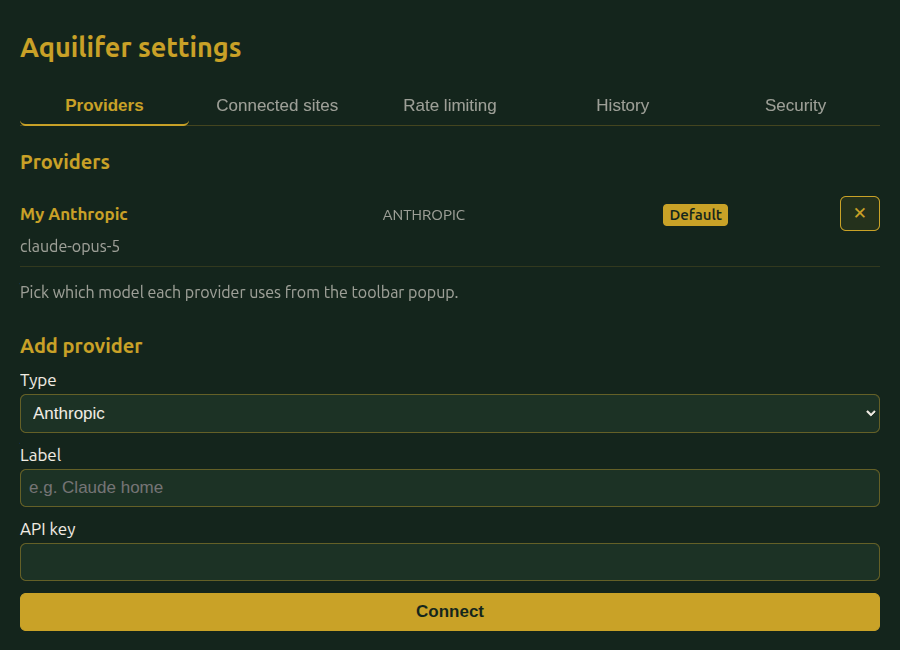
You don't pick a model when adding a provider; just connect it, and choose the model afterward.
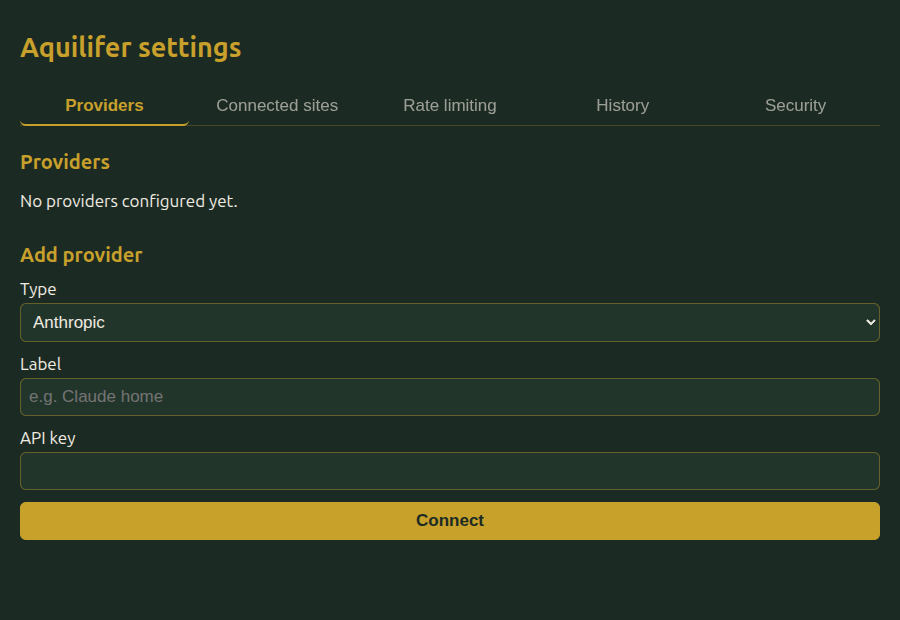
Fill in a label (just for your own reference, sites never see it) and the credential (API key for Anthropic; base URL, and optionally an API key, for OpenAI-compatible).
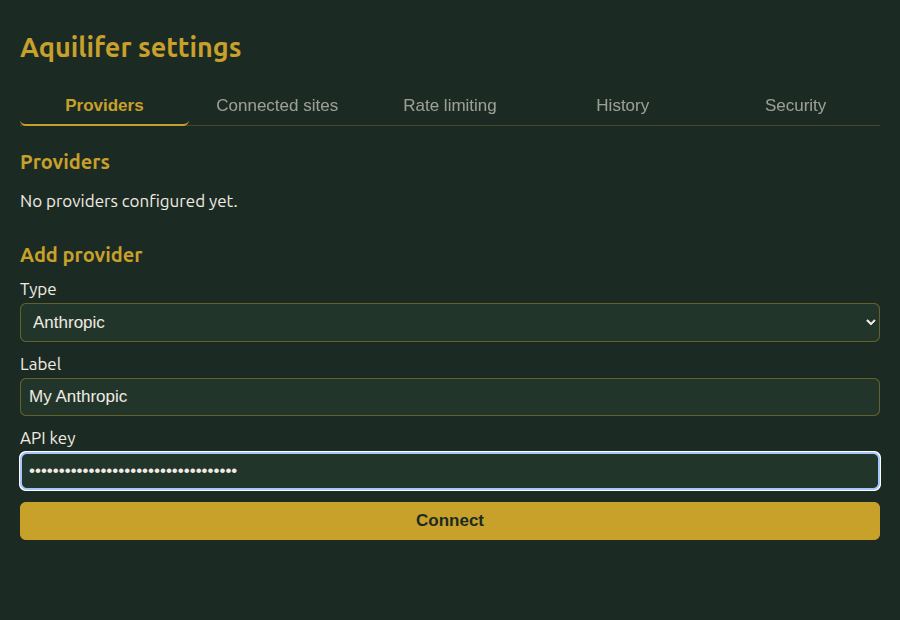
Click Connect. Aquilifer asks the provider itself which models are available; this both discovers what you can use and proves the credential/URL actually work, with no separate test request needed. The first model returned is picked automatically; you can change it any time afterward from the toolbar popup.
If the provider doesn't support listing its own models (some self-hosted backends don't), Aquilifer asks you to type a model ID manually instead, then verifies it with one real request before saving.
For a self-hosted/local backend, connecting it the first time will also ask your browser for permission to make requests to that URL. This is a one-time browser permission prompt, separate from Aquilifer's own connect-a-site approval.
Default provider and switching
The first provider you add becomes the default automatically. When a site connects for the first time, the approval popup lets you pick which provider to bind it to. You can change the default at any time, from the same settings page, or with one click from the toolbar popup.
Aquilifer binds exactly one provider to each site at a time. If a site later needs a different type of provider than the one it's already bound to (for example, it wants to call Anthropic natively but you're bound to a self-hosted model), Aquilifer prompts you to switch, replacing the binding, not adding a second one. You can approve or deny that switch; denying it leaves the existing binding untouched.
Removing a provider
Delete it from the same settings page. Any site currently bound to it will show provider_unavailable errors, or trigger a fresh connect/switch prompt, depending on what it asks for next.